




Step-by-step guide to enroll your prescriptions
If your prescription is eligible for auto refill, follow these steps to enroll.

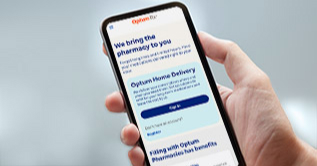
Sign in
Use your HealthSafe ID® to sign in to your account. Then, select Prescriptions from the navigation menu.

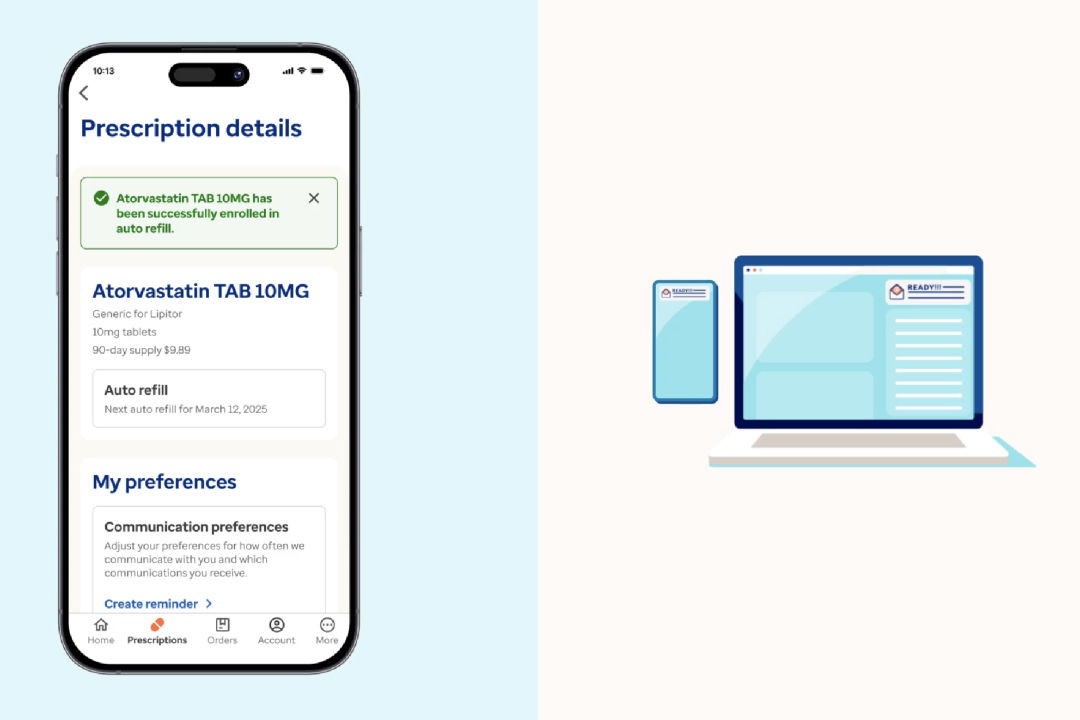
Select a medication
Choose an eligible medication from your active Optum prescriptions list. Then, go to Prescription details.

Schedule and confirm
Pick a refill date, review your shipping address and confirm your payment method. Then, select Enroll to complete.
How will I know it's time to refill my prescription?
When it's time to refill your prescriptions, we'll:
- Notify you that your order will ship soon
- Charge your approved payment method on file
- Deliver a 3-month supply to the address you provided
Other ways to get home delivery support
Register with HealthSafe ID
View instructions on how to register for an account in minutes.
Manage auto refills
Enroll your prescriptions in the automatic refill program. Then, learn how to edit your shipping address, update payments and more.
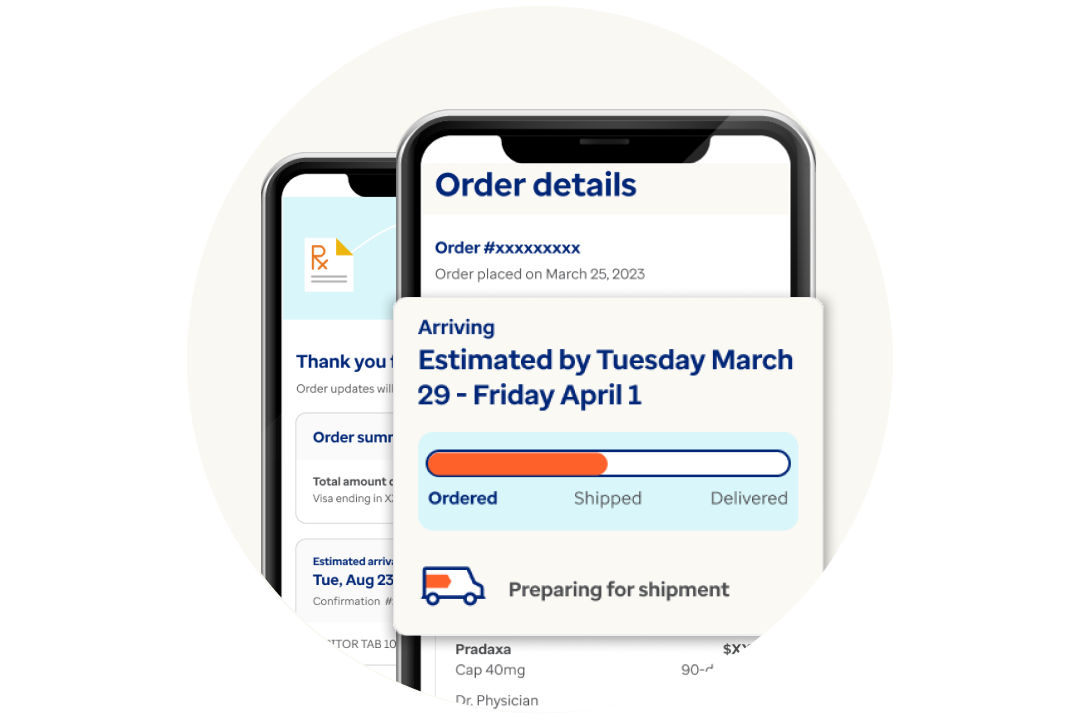
Track your prescription order
You can track your order from the time it’s sent until the moment it’s delivered.
Understand refills and renewals
Learn the difference between a refill and renewal for when you’re running low on your medication.
Optum on the go
Refill your prescriptions and track your orders anytime, anywhere. Download the app now on iOS or Android.
*The auto refill program is subject to state and federal requirements.